How to Turn Your Youth Sports Tournament Into a Fundraiser (Step-by-Step Guide)
You're already organizing a tournament this season. Teams are coming. Parents are attending. The community is showing up. What if that same event could raise $2,000-$5,000 for your program — without asking anyone to donate separately?
Most youth sports organizations treat tournaments and fundraising as two separate tasks. You sell tickets on one platform, collect donations on another, and hope parents remember to contribute. But here's what successful programs have figured out: your tournament is already a fundraising opportunity.
This guide shows you exactly how to combine tournament ticketing with fundraising in one seamless experience — so every attendee becomes a potential supporter, and you stop juggling multiple platforms.
Why Tournaments Make Great Fundraisers
Tournaments naturally gather your most engaged community members in one place:
- Parents are already buying tickets — adding a donation option at checkout is frictionless
- Extended family wants to support — grandparents, aunts, uncles who can't attend still want to help
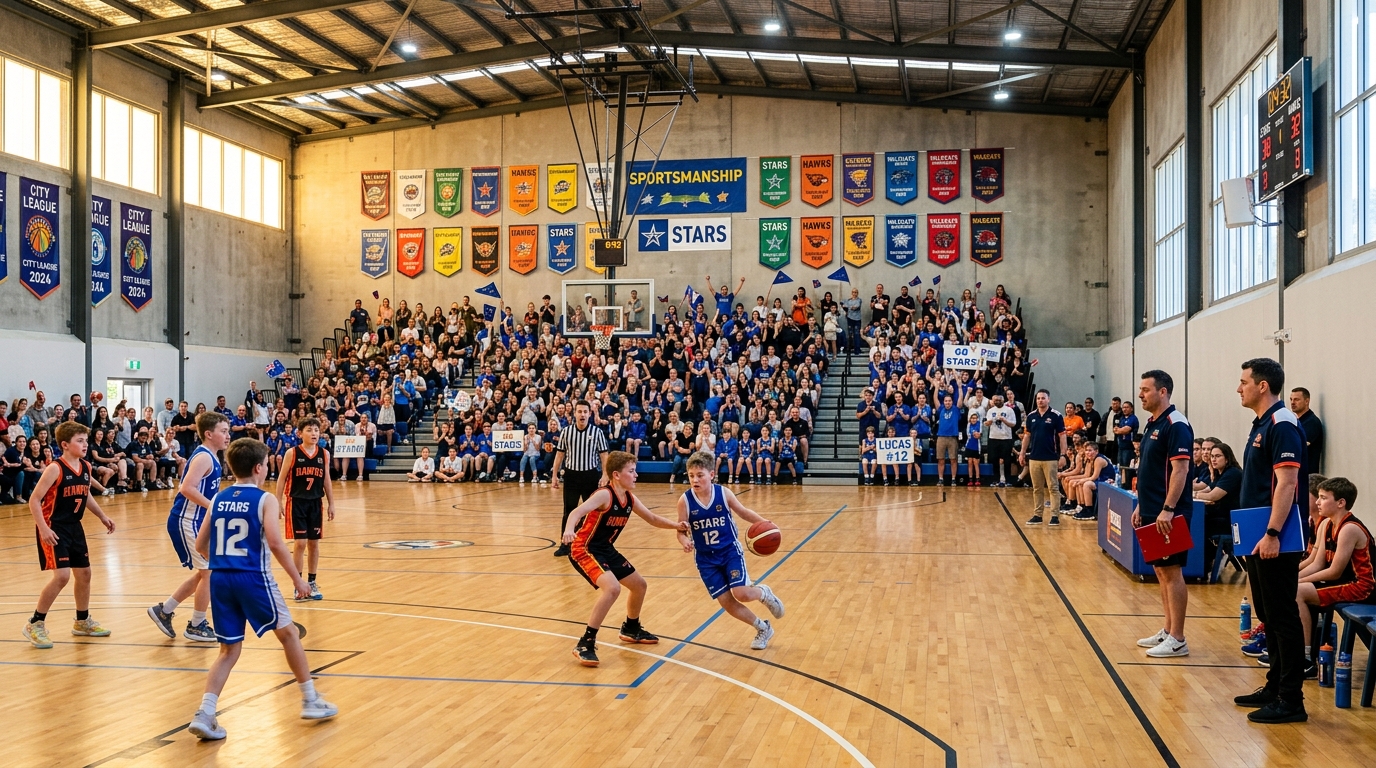
- Community pride is high — showcase events create excitement and emotional connection
- You have everyone's attention — attendees are already thinking about your program
On FundMySquad, teams hosting tournament fundraisers raise an average of $2,500 per event by combining ticket sales with optional donations and merchandise.
Step 1: Set Up Your Tournament as a Ticketed Fundraiser
Start by creating your event page with clear ticketing tiers:
- General admission tickets ($10-$15 per person)
- Family passes ($35-$50 for 4 people)
- VIP or reserved seating (premium pricing for better viewing)
- Optional donation at checkout (preset amounts like $25, $50, $100)
Your event page becomes the single link for everything: tickets, donations, merchandise, and event details. No more sending parents to three different websites.
Step 2: Add a Fundraising Goal and Progress Bar
People give more when they see progress toward a specific goal. Set a realistic target:
- $3,000 tournament fundraiser goal = new equipment for the team
- $5,000 goal = travel expenses for regional competition
- $8,000 goal = full season funding including uniforms and coaching
Your fundraiser page shows a real-time progress bar. As ticket sales and donations come in, supporters see the impact immediately. This creates momentum — when people see you're 60% to goal, they're more likely to push you over the finish line.
Step 3: Sell Merchandise Alongside Tickets
Your tournament is the perfect time to sell team gear:
- Team t-shirts and hoodies
- Hats and beanies
- Water bottles and bags
- Spirit wear for families
List merchandise directly on your event page. Parents buying tournament tickets add a hoodie to their cart at the same time. You collect payment upfront, fulfill orders after the event, and keep 100% of merchandise profit.
Step 4: Promote to Your Community with One Link
Now you have one event page with tickets, donations, and merchandise. Share it everywhere:
- Team group chats and emails — "Get your tournament tickets + support the team"
- Social media — Instagram stories, Facebook posts, team pages
- Extended family — parents share with grandparents who can't attend but want to donate
- Local businesses — ask sponsors to share the link with their networks
Every share drives people to the same place. No confusion. No multiple fundraising asks. Just one event that everyone's excited about.
Step 5: Check In Attendees with QR Codes
On tournament day, every ticket buyer gets a unique QR code ticket sent to their email and mobile wallet (Apple Wallet or Google Wallet). You scan them in with the FundMySquad check-in dashboard:
- Real-time attendance tracking
- See who's checked in vs. who's expected
- Prevent duplicate entries or ticket fraud
- Volunteers can check in attendees from any phone or tablet
No paper tickets. No confusion at the door. Just smooth, professional event management.
Step 6: Send Thank-You Messages After the Event
After the tournament, use FundMySquad's built-in messaging to thank every attendee and donor:
- "Thank you for supporting [Team Name] at our spring showcase!"
- Share a quick recap: "We raised $3,200 and hosted 150 families"
- Include photos from the event
- Invite them to your next fundraiser or game
This follow-up builds long-term relationships. Attendees become repeat supporters. Your next event is easier to promote because people already know the experience is great.
Real Example: How One Team Raised $3,000 at Their Tournament
The Ballstarz Elite 16U team hosted a spring showcase tournament and set up their event as a fundraiser on FundMySquad:
- Tickets sold: 120 general admission ($12 each) + 15 family passes ($40 each) = $2,040 in ticket revenue
- Donations at checkout: 18 parents added $25-$100 donations = $680 in contributions
- Merchandise sales: 22 team hoodies sold at $30 each = $660 in gear profit
- Total raised: $3,380 in one weekend
They used the funds to cover travel costs for their summer exposure tournament. The key? They didn't ask for donations separately — they just added a fundraising layer to an event that was already happening.
Why This Works Better Than Traditional Fundraising
Compare this approach to typical youth sports fundraising:
Old way:
- Sell tickets on Eventbrite (pay 3.7% + $1.79 per ticket in fees)
- Set up a separate GoFundMe for donations (pay 2.9% + $0.30 per transaction)
- Collect cash for merchandise at the event (messy, hard to track)
- Send parents to three different links
- Lose money to fees on every transaction
FundMySquad way:
- One event page with tickets, donations, and merchandise
- $0 organizer fees — you keep 100% of ticket revenue
- Real-time check-in with QR codes and mobile wallet passes
- One link to share with your entire community
- Built-in fundraising progress bar and goal tracking
You save money, save time, and raise more — because you're not asking people to go out of their way. You're just giving them an easy way to support what they're already excited about.
Getting Started: Create Your Tournament Fundraiser Today
Here's how to set up your first tournament fundraiser:
- Go to FundMySquad.com and create your free event page
- Add your tournament details: date, location, description, hero image
- Set up ticket tiers: general admission, family passes, VIP options
- Add your fundraising goal: choose a realistic target ($2,000-$5,000 for most teams)
- List merchandise: team gear, spirit wear, anything you want to sell
- Share your link: team emails, group chats, social media, family networks
- Check in attendees on event day with the mobile dashboard
- Send thank-you messages after the event and invite supporters to your next fundraiser
Your tournament is already on the calendar. Your community is already planning to attend. Turn that energy into funding — and stop treating events and fundraising as separate tasks.
Create your free tournament fundraiser in 5 minutes: FundMySquad.com
Join 50+ teams already using FundMySquad to turn their events into fundraising opportunities.